Keep what catches your eye.
A passage, a photograph, a link, a thought. You can gather them in one inbox and decide where they belong later.
A calmer way to shape
what comes next.
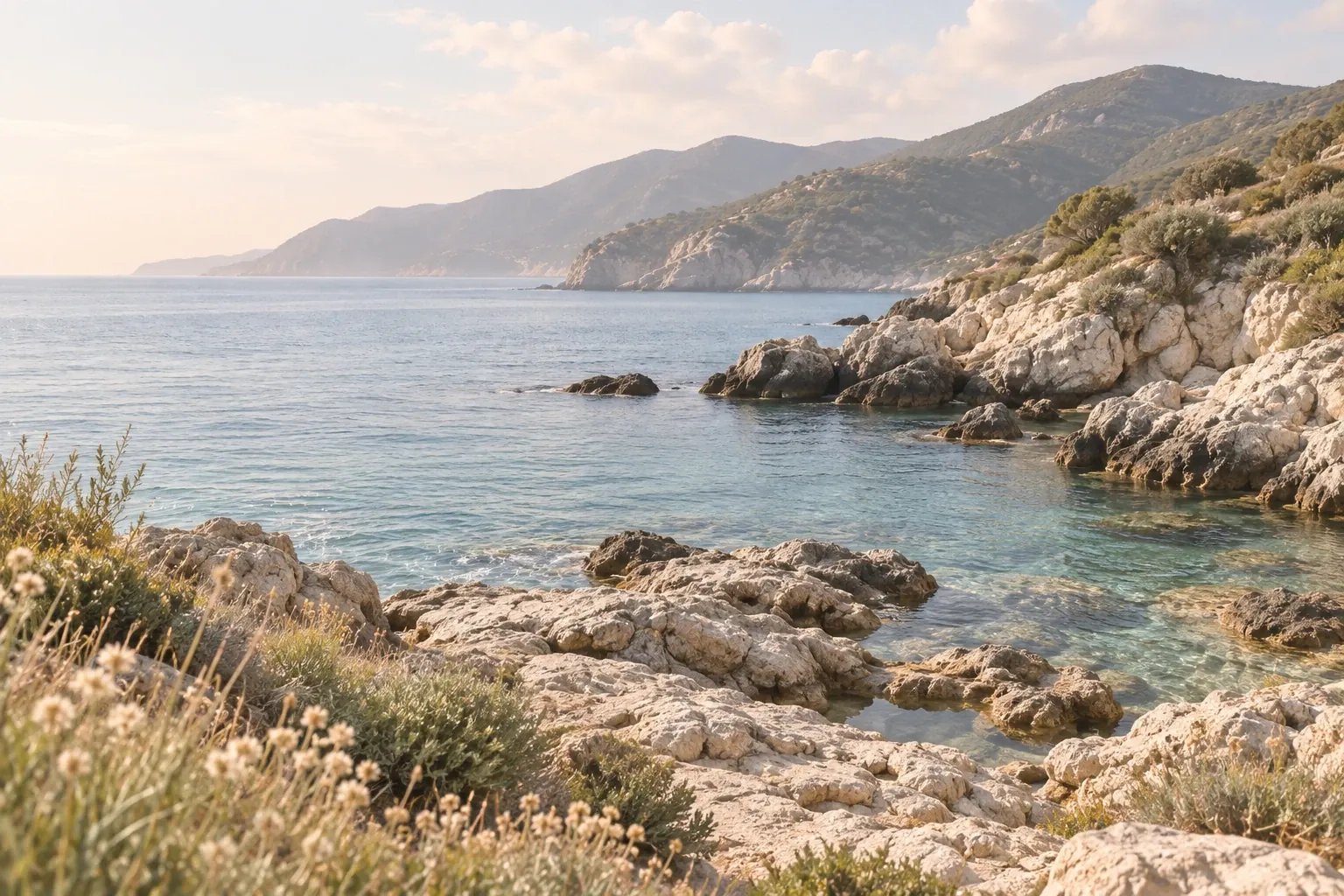
Rugged cliffs, clear water, and a slower pace.
Collect now.
Make sense later.
- Title
- A quieter coast
- Source
- https://example.com/coast
- Save to
- Inbox
Automatic tags can be switched off. Review your source and destination before saving.

A calmer space for bigger ideas.
Bring your thoughts, images, links, and documents into one calm visual workspace. See the bigger picture, make connections, and keep ideas close as they evolve.

Different places.
A calmer mind.
Ideas to explore
- More natural textures
- Softer colors
- Room for the unexpected
A kinder daily rhythm
Notice the morning light
Read something good
Leave a little room


Colors to return to
Small details.
A wider perspective.
From browser to canvas, in a few steps.
Choose what to save.
The browser extension starts when you choose a page, image, link, or selection.
Check the details.
You review the title, source, and destination before saving.
- Title
- A quieter coast
- Source
- https://example.com/coast
- Save to
- Inbox
Automatic tags can be switched off. Review your source and destination before saving.
Decide what happens next.
Automatic tags are on for new captures. You can switch them off, edit them, or remove them. Older items are not backfilled.
Start from a sample canvas.
Browse sample canvases

Common questions.
When does access open?
You can join the launch list now. After you confirm your email, you will receive an update when access opens.
Where can you learn more?
You can explore the guides, templates, and documentation before joining the waitlist.

Room for your next idea.
One canvas for the notes, images and links that inspire you.
More ideas.
A kinder tomorrow.