Short answer
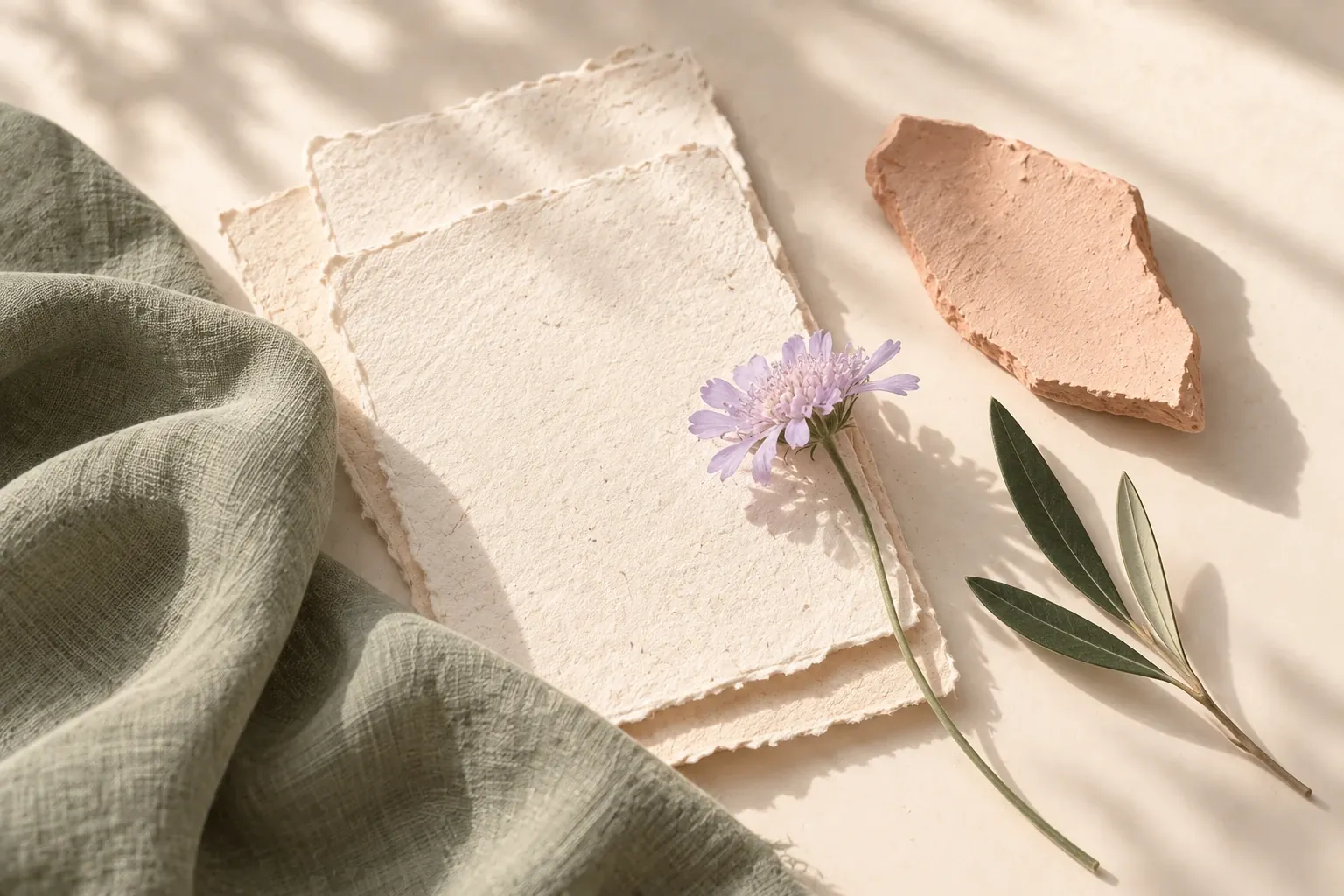
A mood board is a curated collection of images, colors, materials and a few words, arranged together to show the feeling, look or direction of something before it is made. It makes an intention visible when it is hard to explain in words alone.
What “mood” means here
In a mood board, mood means the overall feeling a finished piece of work should give: calm, playful, austere, warm, crisp, nostalgic. It is not about your own emotional state. A mood board for a café is about how the café should feel to the people who walk in.
Feelings are hard to agree on in words, because “warm” or “minimal” can mean very different things to different people. A board turns them into specific qualities you can point to: the angle of the light, the grain of a material, the weight of a typeface, how much empty space there is.
Mood board, moodboard or mood-board?
All three spellings are in use and they mean the same thing. “Mood board” as two words is common in general writing. “Moodboard” as one word is common in design studios and in software; Canvas Perch uses it in its own interface. The hyphenated “mood-board” appears less often.
None of them is wrong. Pick one spelling and use it consistently within a document or a team.
What goes on a mood board
Anything that helps show the direction can belong, as long as you can say why it is there. Common ingredients include:
- Photographs and screenshots of places, objects, people or scenes
- A short color palette or a few swatches
- Material and texture samples such as fabric, paper, wood, stone or tile
- Typography samples, if the work involves words
- Sketches and rough drawings
- A handful of words or short phrases that name the qualities you are after
- Brief notes explaining why each reference was chosen, with a source link where you have one
Who uses mood boards
Mood boards appear wherever a group of decisions needs to share one feeling. A few examples:
- Interiors
- Finishes, furniture, lighting and how a room should feel at different times of day.
- Fashion
- Fabrics, silhouettes, colors and styling for a collection or a single outfit.
- Branding and graphic design
- Tone, color and typography explored before a logo or layout is drawn.
- Film, photography and video
- Lighting, locations, wardrobe, props and the color of the final image.
- Events and weddings
- Flowers, table settings, stationery and a palette that ties them together.
- Writing
- The setting, characters and atmosphere of a story, gathered to keep a draft consistent.
- Research
- Visual material collected around a question, so patterns across sources are easier to see.
Physical and digital mood boards
A physical board, such as a foam board, a pinboard or the pages of a sketchbook, lets you see real colors and touch real textures. That matters when the final work is physical. Physical boards are slower to rearrange and harder to share with someone in another place.
A digital board is quick to rearrange, easy to share and can keep links, notes and files beside each image. Screens change how colors look, though, and it is easy to keep collecting instead of deciding.
Many people combine the two: gather and sort digitally, then check the final choices against physical samples.
Mood board vs vision board, style guide and collage
These are often confused because they can look alike. Their purpose differs:
- Mood board
- A working tool that sets the feeling and direction for something you are about to make.
- Vision board
- A personal board of goals and aspirations. It is about a future you want, not the look of a piece of work.
- Style guide
- Documented rules for applying a settled direction: exact colors, type sizes, spacing and usage. It usually comes after the mood board.
- Collage
- An artwork in its own right, where the arrangement is the result. A mood board’s arrangement serves a decision.
How to make a mood board
- Write one sentence about the feeling or decision the board should support.
- Collect more than you need, keeping the source of each reference.
- Group references by what they share: light, texture, color, shape or pace.
- Name the qualities that repeat, in a few plain words.
- Remove anything that does not support the direction, including near-duplicates.
- Add a short note that says what the board is for, and what it is not.
For a step-by-step walk-through, read how to make a moodboard.
Common mistakes
- Collecting without a question, so nothing decides what belongs.
- Keeping many near-identical images that repeat one idea instead of sharpening it.
- Leaving out notes, so the reason for each choice is forgotten a week later.
- Mixing two directions on one board instead of making two boards and comparing them.
- Treating colors on a screen as exact matches for paint, fabric or print.
- Losing track of sources, which makes it hard to credit images or check permission before sharing publicly.
Making a mood board in Canvas Perch
Canvas Perch is an infinite canvas where images, notes, links and files can sit side by side, with connections and checklists nearby. The Quiet spaces template on the templates page starts a moodboard with a short note and a checklist of qualities to look for. See moodboards in Canvas Perch for an example rhythm, or the glossary entry for a one-line definition.
Questions and answers
What’s a mood board in simple terms?
It is a page or board of pictures, colors and materials that shows how something should look and feel before you make it.
What does moodboard mean?
Moodboard means a board of references that sets the mood, the overall feeling and style, for a project. “Moodboard” and “mood board” refer to the same thing.
Is moodboard one word or two?
Both are used. “Mood board” as two words and “moodboard” as one word are both common, and “mood-board” also appears. Choose one spelling and keep it consistent.
What is another word for a mood board?
Inspiration board, style board and concept board are close alternatives. See mood board synonyms for more names and when each one fits.
How many images should a mood board have?
There is no fixed number. Stop adding when another image no longer changes what the board says, and remove near-duplicates.